
How to pre-load GTA 6 on PS5 and Xbox Series X|S before launch
Pre-loading opened on November 10, 2026 for digital pre-orders, with boxed-copy codes redeemable from November 12. PS5 pre-loads opened at local midnight, while Xbox opened at one global moment (midnight GMT). Rockstar says the download needs up to 212GB of free space.
- Pre-load start
- November 10, 2026
- Xbox start
- 12am GMT Nov 10 (7pm ET Nov 9)
- Install size
- Up to 212GB
- Boxed codes
- From November 12
- Credited to
- Rockstar Games
- Discovered
- Oct 27, 2026
- Last checked
- Nov 19, 2026
- Platforms
- PlayStation 5, Xbox Series X|S
Community Reported
Reported by players with supporting evidence, but not independently verified by our team.
Pictures
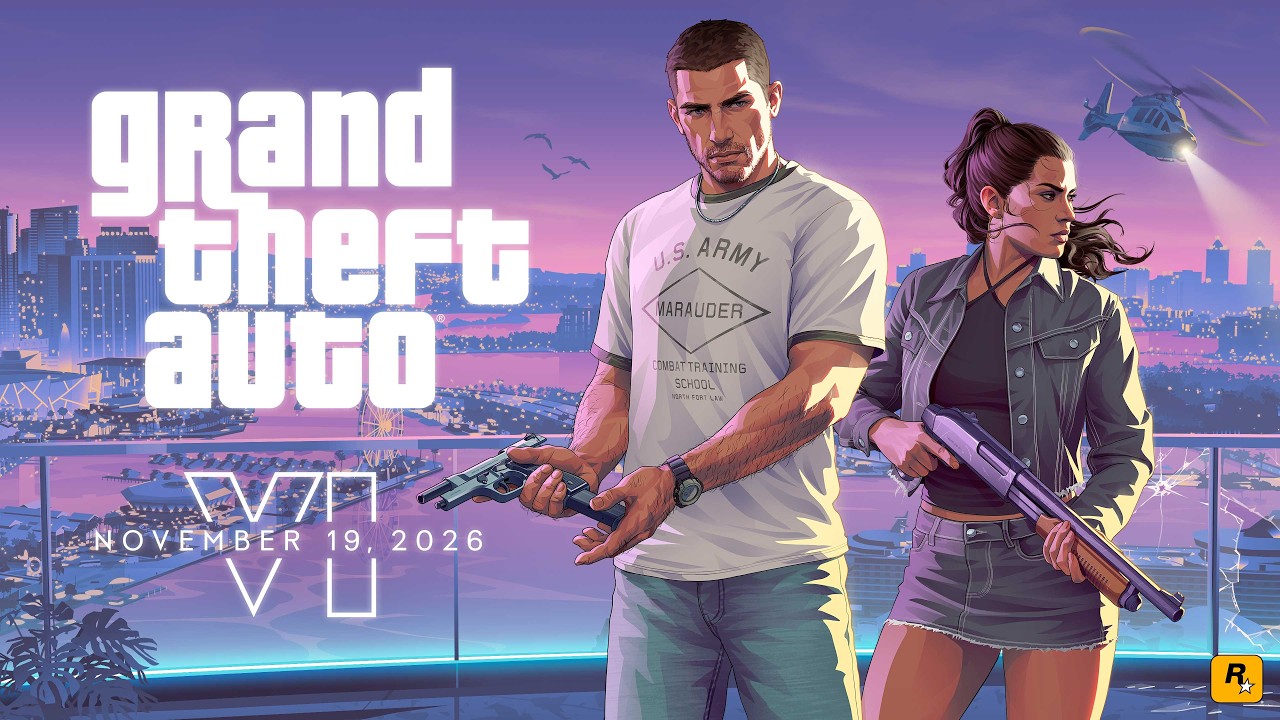


Frames from Grand Theft Auto VI: Pre-Load Now by Rockstar Games, shown via YouTube.
Got your own capture? Wanted: Capture the console's download queue showing the GTA VI pre-load in progress with its file size visible. Upload it.
Watch how it’s done
Requirements
- Digital pre-order or redeemed code-in-box
- Up to 212GB free storage
Step by step
- 1
Make room first
Clear at least 212GB on your internal drive or a compatible expansion drive. That is close to half of an Xbox Series S's usable space.
- 2
PS5
Open the game's PlayStation Store page from your library or the store and select download. Pre-loading began at midnight local time on November 10.
- 3
Xbox Series X|S
In the Microsoft Store app, search Grand Theft Auto VI and choose Install instead of Pre-order. If you only get a roughly 300MB placeholder, the full download arrives as an update; restart the console if it doesn't appear.
- 4
Code-in-box buyers
Codes from physical pre-orders became usable on November 12. Redeem the code on your console's store, then start the download right away.
- 5
Leave it in rest mode
With a file this size, keep the console in rest mode with downloads allowed so it finishes before unlock.
Sources & credit
- Grand Theft Auto VI Pre-Load Begins on November 10rockstar · Oct 27, 2026
- Grand Theft Auto VI: Pre-Load Nowrockstar · Nov 10, 2026
- GTA 6 Pre-Load Times, Install Size, And Global Release Schedule — Ethan Gachweb · Nov 3, 2026
- How To Preload GTA 6 In Full On Xbox Series X|S (Even If You Haven't Bought It) — Fraser Gilbert, Craig Reidweb · Nov 9, 2026
- Grand Theft Auto VI Comes to XBOX One and XBOX Series X|S Through XBOX Cloud Gaming on November 19 — Team XBOXweb · Nov 10, 2026
Comments
Related discoveries
PlayStation's official GTA VI troubleshooting page: download and launch fixes
PlayStation has a GTA VI support page for download and launch problems. It covers pausing and resuming a stuck download, rebuilding the database in Safe Mode, restoring licences, and checking that the game has released in your region. For gameplay bugs and patches, PlayStation points players to Rockstar Support.
GTA 6 pre-load: opened November 10, needs up to 212GB
Rockstar opened pre-loading on November 10, 2026 for everyone who pre-ordered digitally. Code-in-box buyers can redeem and pre-load once they receive the box. Outlets report Rockstar's guidance of up to 212GB of free space on PS5 and Xbox Series X|S.

GTA 6 platforms: PS5 and Xbox Series X|S
GTA 6 is out on PlayStation 5 and Xbox Series X|S only. Rockstar's site carries a 'Plays Best On PlayStation 5' badge, and PlayStation released a features trailer. Xbox Wire describes Series X as the best Xbox way to play and Series S as the most affordable native option, while Xbox One can only stream it.
Launch-night crash and lost-progress reports on PS5 and Xbox
Players in the r/GTA6 launch-day bug megathread describe PS5 consoles shutting off soon after launch, PS5 Pro crashes in the prologue, and choppy audio on Xbox Series X. Streamer JasonTheWeen reportedly lost 10 to 12 hours after his PS5 shut down, though accounts of what happened differ. Rockstar hasn't confirmed any of it. Save manually often, since the game keeps only one autosave.